
acre logo 4 ACRE Consulting
⌘K
Home About
Contact
Hire me!
Home
aAbout
sServices
HIFIS Implementation
HIFIS Training for Front Line Staff
HIFIS Training for Administrators
Report Development
Crystal Reports Training
cCrystal Reports Training
cCore Crystal Reports Training
aAccelerated Training
cCrystal Reports Resources
cCrystal Reports Mini-Courses
Data Quality
Reviewing Services
pProducts
ACRE Analytics
Audit Boot Camp
Data Wrangling Project
Downloadable Reports
Ontario HPP Program Reports
Power BI Dashboards
rResources
Blog
Canadian Alliance to End Homelessness
Guides to HIFIS Use
HIFIS Health Check
HIFIS Improvement Project
HIFIS Community
HIFIS Feedback
Privacy & Legal Resources
Quick Start Guides
Upcoming Events
Webinars Archive
No results
cContact
Hire me!
Crystal Reports Mini-Course: Parameter Parade

Crystal Reports: Parameter Parade

16 lessons 16lessons
43m 43m
16 lessons 43m
16lessons 43m

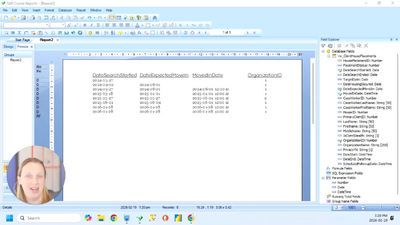
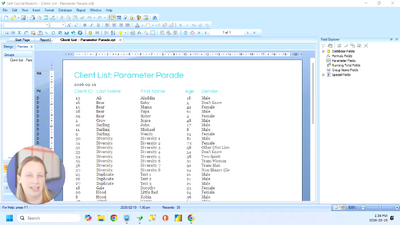
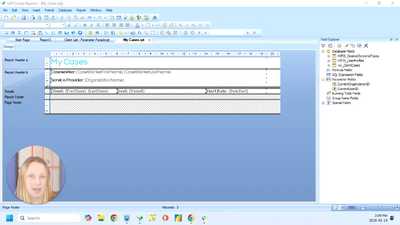
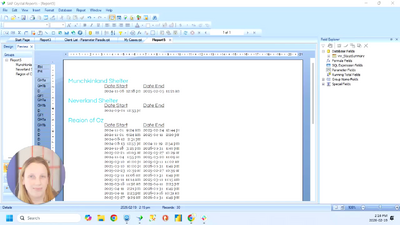
This mini-course is intended for people who are already familiar with developing reports in Crystal Reports. It covers parameters in greater depth than our core training, introducing boolean parameters, static lists of values, and hidden parameters. Students will work on two reports, one focused on filtering the client list by activity and housing status, and the second includes services and programs.

Difficulty: 🔴🔴⭕⭕⭕
Register now! Already have access? Log in
Parameter Parade Intro 1:02
Welcome to the Parameter Parade!
Welcome to the Parameter Parade! This course is expected to take you about 2-3 hours to complete. To complete a lesson, simply click the "Mark as complete” button at the bottom. If you complete all the lessons, you will automatically be issued a certificate. You may complete this course at your own speed; all the content is pre-recorded. There are a number of exercises in this course and you are invited to submit your work for review and feedback, but this is optional. You are not required to complete the assignments in order to earn a certificate. On the right side of this lesson, you’ll see a “Notes” tab. These are private notes (nobody can see them, not even the instructor). Feel free to make notes as you go and refer back to them as you need to. You can also add bookmarks, mark lessons as your favourite, and even highlight portions of the transcript.
Free
downloading-updates-256
Your workbook
1
How to Add a Parameter 1:45
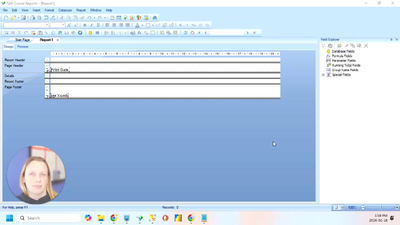
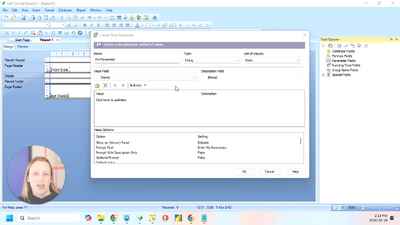
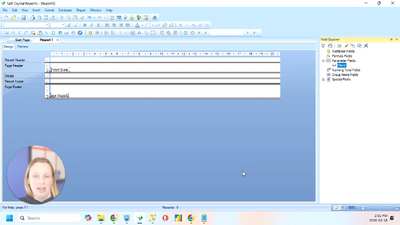
How to add a parameter to your report
Parameter Types 4:42
Basic parameter types
edit-11-256 (2)
Exercise: Parameters in HIFIS
1
Using Parameters 1:28
Using Parameters
edit-11-256 (1) 5:28
Exercise: Days Since Last Activity
2
Select Expert and Data Types 4:32
Select Expert + field types
edit-11-256 5:48
Exercise: Include Transitional?
2
Static list of values 3:02
List of Values
edit-11-256 (3) 3:03
Exercise: Housing Status
2
parameter options
Parameter Options
Hidden Parameters 5:02
Hidden Parameters
Dynamic List of Values 7:50
Dynamic Lists of Values
edit-11-256 (2)
Exercise: Services and Programs
2
Crystal Reports Mini-Course: Parameter Parade
Congratulations!
acre logo 4 ACRE Consulting
Services
HIFIS Implementation Reviewing Services HIFIS 4 Health Check Custom Report Development
HIFIS Training
ACRE Consulting Academy Dufferin County HIFIS Training Grande Prairie HIFIS Training Halifax HIFIS Training Iqaluit HIFIS Training NL HIFIS Training Peterborough HIFIS Training RMWB HIFIS Training THANL HIFIS Training Waterloo HIFIS Training Yukon HIFIS Training
Crystal Reports Training
Core Training Mini-Courses Resources
Reports
ACRE Analytics Audit Boot Camp HPP Program (Ontario) Data Wrangling Project Downloadable Reports
Company
About Testimonials Blog Contact Customer service Terms and conditions
Copyright © 2026 ACRE Consulting